 Solflare
Solflare Ledger: hardware vs software signing
Solflare provides the Solana interface, while a connected Ledger keeps private keys offline and signs transactions. A software wallet created in Solflare stores its keys on the phone or computer running the wallet.
- Network
- Solana. Your assets remain on the blockchain when you connect the account.
- Funded desktop connection
- This route assumes an existing Ledger wallet with SOL in at least one account. It uses USB with the device unlocked and its Solana app open.
- New-wallet preparation
- Ledger Live guides new-wallet setup, including the recovery backup and Solana app installation, before connection to Solflare.
- Backup ownership
- A connected Ledger account uses the hardware wallet’s backup and has no separate Solflare recovery phrase.
Hardware and software signing compared
| Signing requirement | Wallet created in Solflare | Ledger account connected to Solflare |
|---|---|---|
| Private-key storage | Solflare generates and stores the keys on the phone or computer running the wallet. | The Ledger device keeps the private keys offline. |
| Transaction approval | The software wallet signs using keys on its device. | The Ledger device signs transactions after physical approval on the hardware. |
| Backup for a new wallet | Solflare generates a 12-word recovery phrase when creating a new wallet. | A new Ledger wallet generates its 24-word recovery phrase on the hardware device. |
Connecting lets Solflare display an existing Ledger account without transferring assets or importing its private keys. A separate software wallet keeps its own keys and address after you add a Ledger account.
Connection and account selection
For a new Ledger wallet, complete device initialization through Ledger Live before connecting the account to Solflare. Record the device-generated recovery phrase offline and install the Solana app on the hardware.
The funded desktop route uses Continue with Ledger after USB connection, PIN entry and opening the Solana app. The browser requests device permission, and Solflare asks for a passcode before fetching accounts for selection.
The derivation path identifies which Ledger account Solflare accesses; the funded desktop guide selects one containing SOL. Compare the displayed address with your intended account if the balance differs from what you expect.
The mobile route requires a Bluetooth-capable Ledger with up-to-date firmware, the Solana app installed and SOL in at least one account. Unlock the Ledger and open the Solana app before pairing it with Solflare over Bluetooth. Import All adds the detected funded accounts.
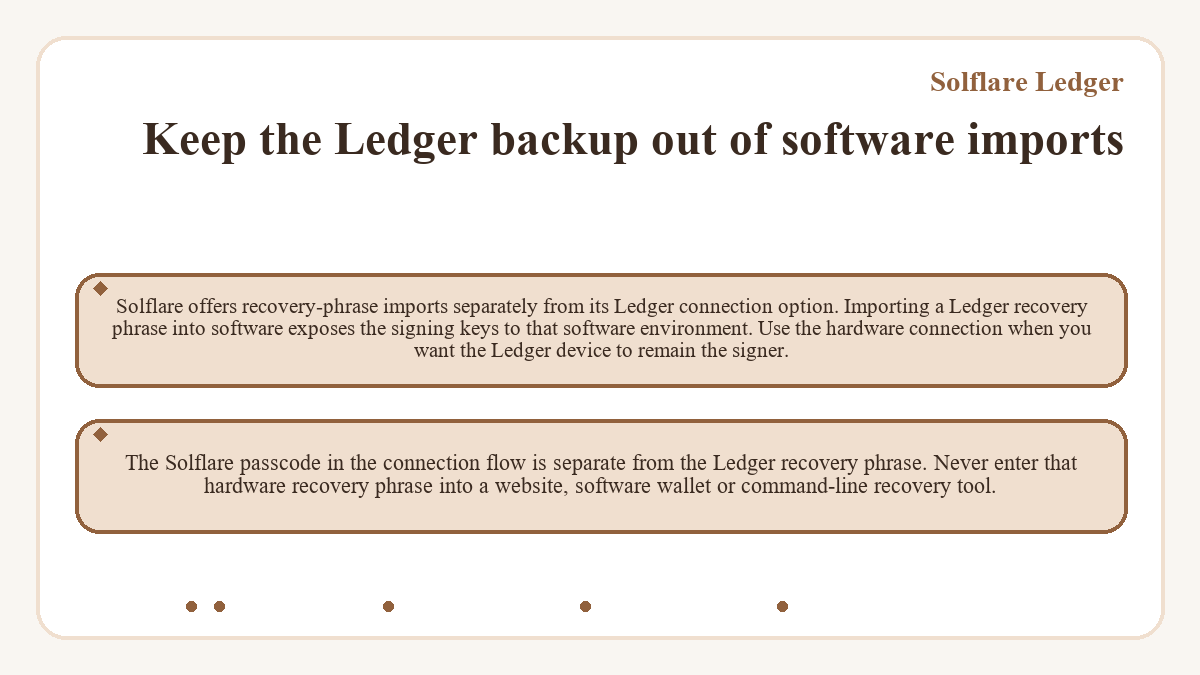
Keep the Ledger backup out of software imports
Solflare offers recovery-phrase imports separately from its Ledger connection option. Importing a Ledger recovery phrase into software exposes the signing keys to that software environment. Use the hardware connection when you want the Ledger device to remain the signer.
The Solflare passcode in the connection flow is separate from the Ledger recovery phrase. Never enter that hardware recovery phrase into a website, software wallet or command-line recovery tool.
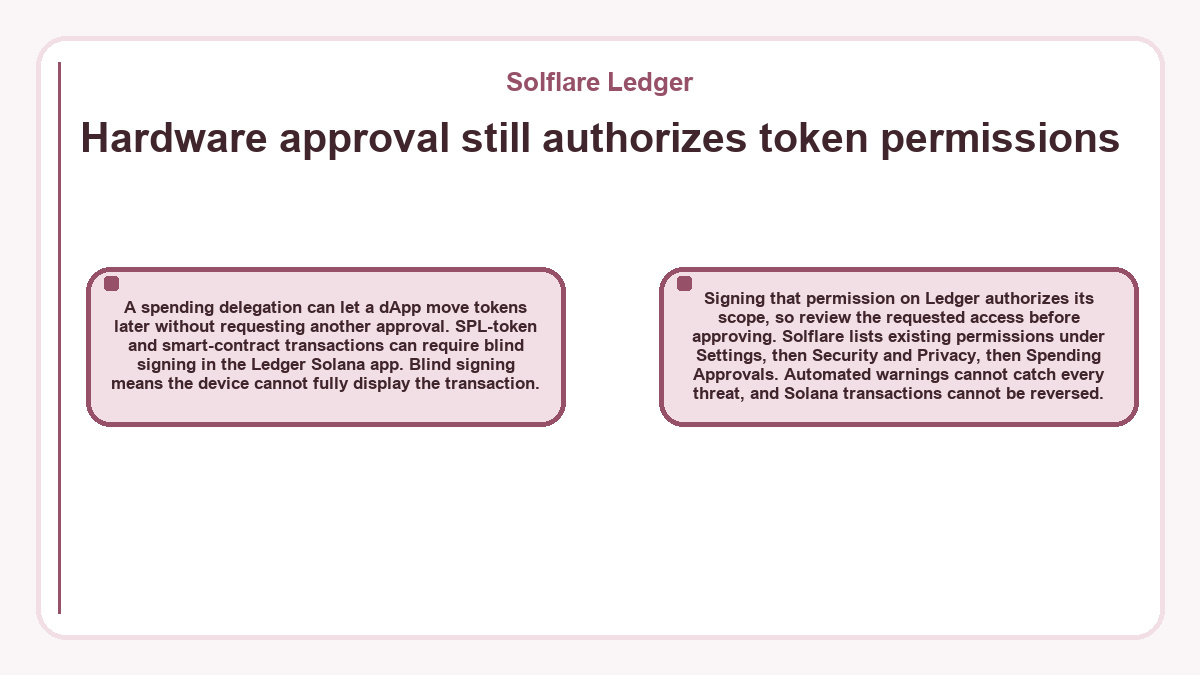
Hardware approval still authorizes token permissions
A spending delegation can let a dApp move tokens later without requesting another approval. SPL-token and smart-contract transactions can require blind signing in the Ledger Solana app. Blind signing means the device cannot fully display the transaction. Signing that permission on Ledger authorizes its scope, so review the requested access before approving. Solflare lists existing permissions under Settings, then Security and Privacy, then Spending Approvals.
Automated warnings cannot catch every threat, and Solana transactions cannot be reversed.
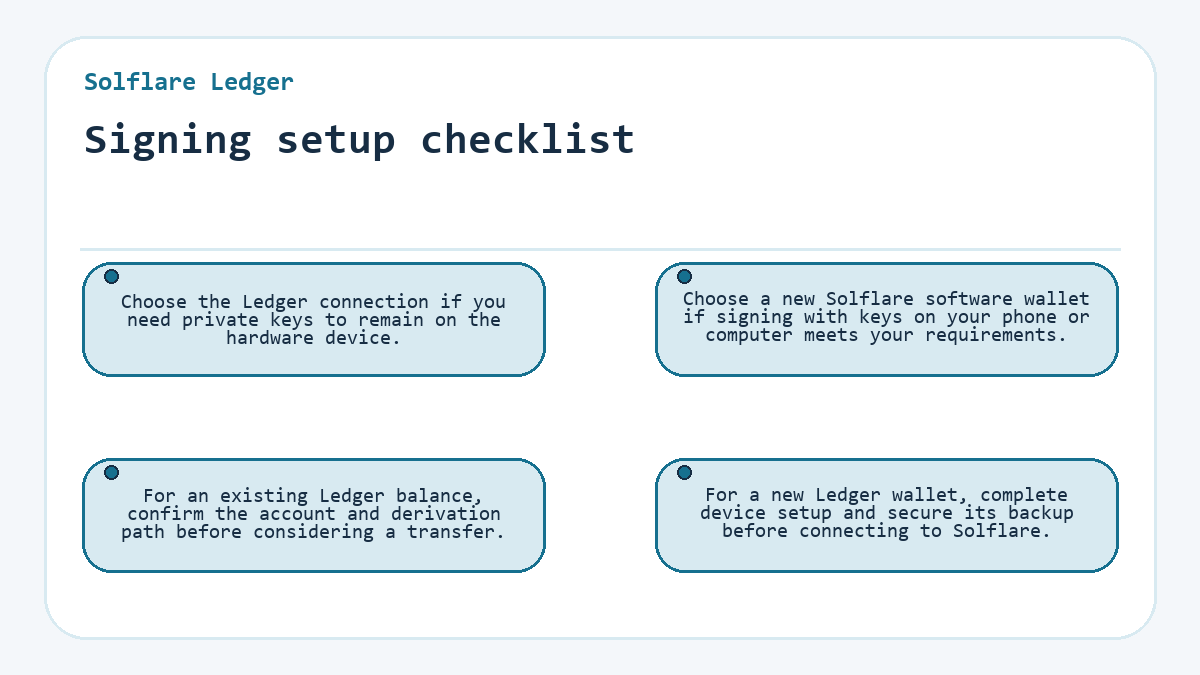
Signing setup checklist
- Choose the Ledger connection if you need private keys to remain on the hardware device.
- Choose a new Solflare software wallet if signing with keys on your phone or computer meets your requirements.
- For an existing Ledger balance, confirm the account and derivation path before considering a transfer.
- For a new Ledger wallet, complete device setup and secure its backup before connecting to Solflare.